RDN-HubSpot integration

The RDN – HubSpot Integration allows RDN to connect securely with a HubSpot account using a Private App Access Token.

1. Overview

The RDN – HubSpot Integration allows RDN to connect securely with a HubSpot account using a Private App Access Token.

 Important Limitation
This integration is designed for HubSpot accounts that:

  • Do not support webhook creation
  • Do not have Operations Hub Professional or Enterprise

2. Prerequisites

Before proceeding, ensure:

  • You have Admin access to the HubSpot account
  • You can create Private Apps
  • You have access to RDN 

3. Creating a Private App in HubSpot

Step 1: Log in to HubSpot

Log in to your HubSpot account

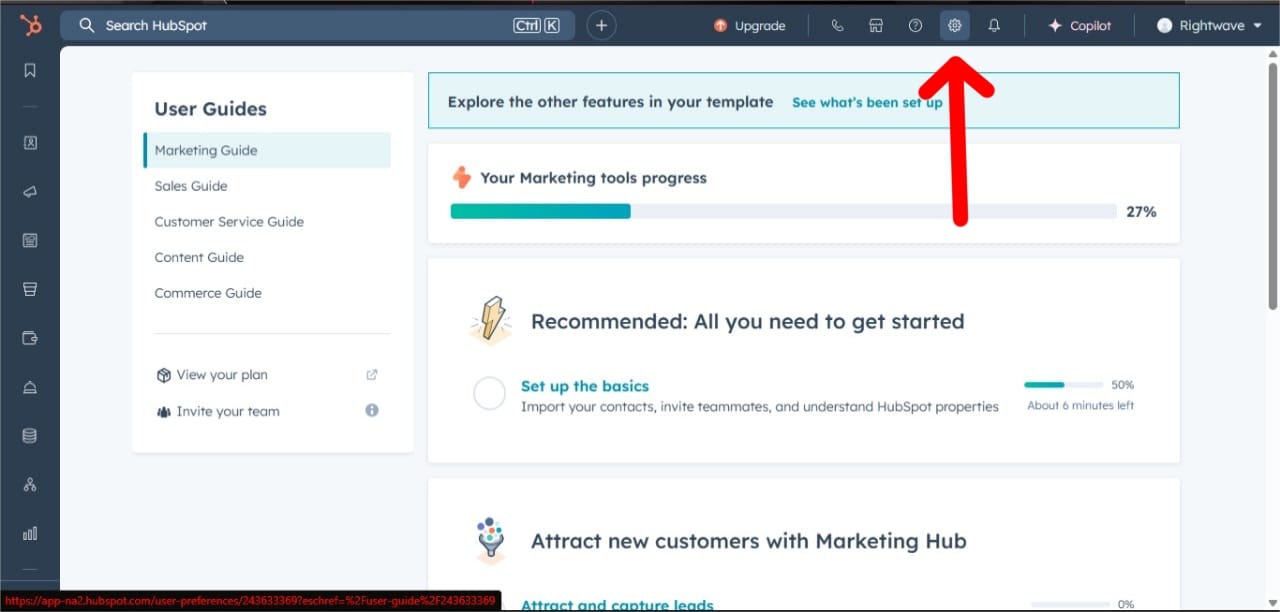
Step 2: Navigate to Private Apps

  1. Click Settings (⚙️) in the top-right corner

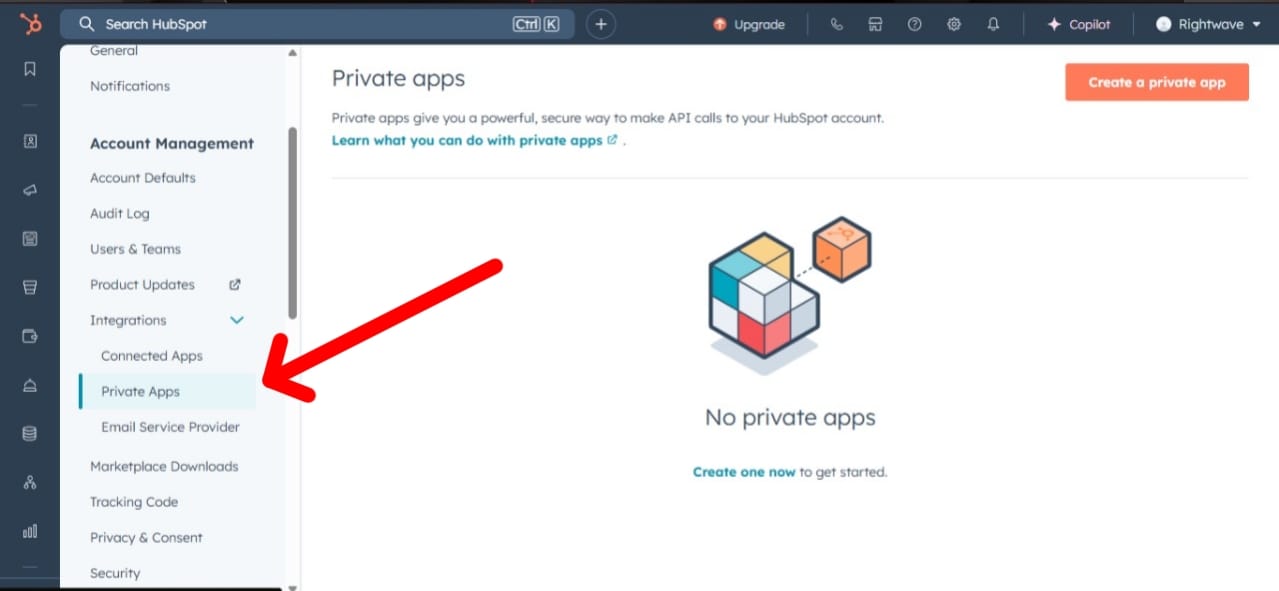
Go to:
Integrations → Private Apps

Step 3: Create the App

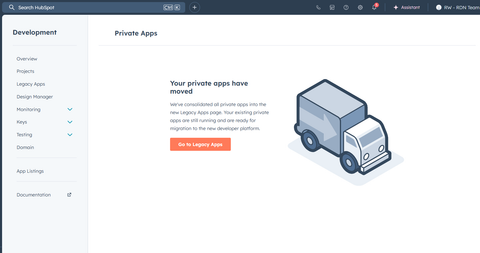
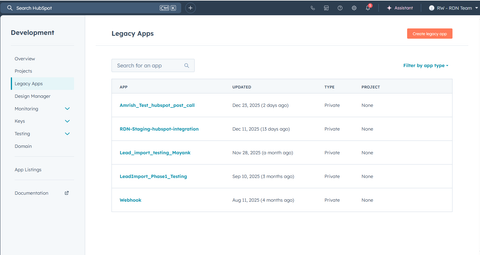
Click Go to Legacy Apps

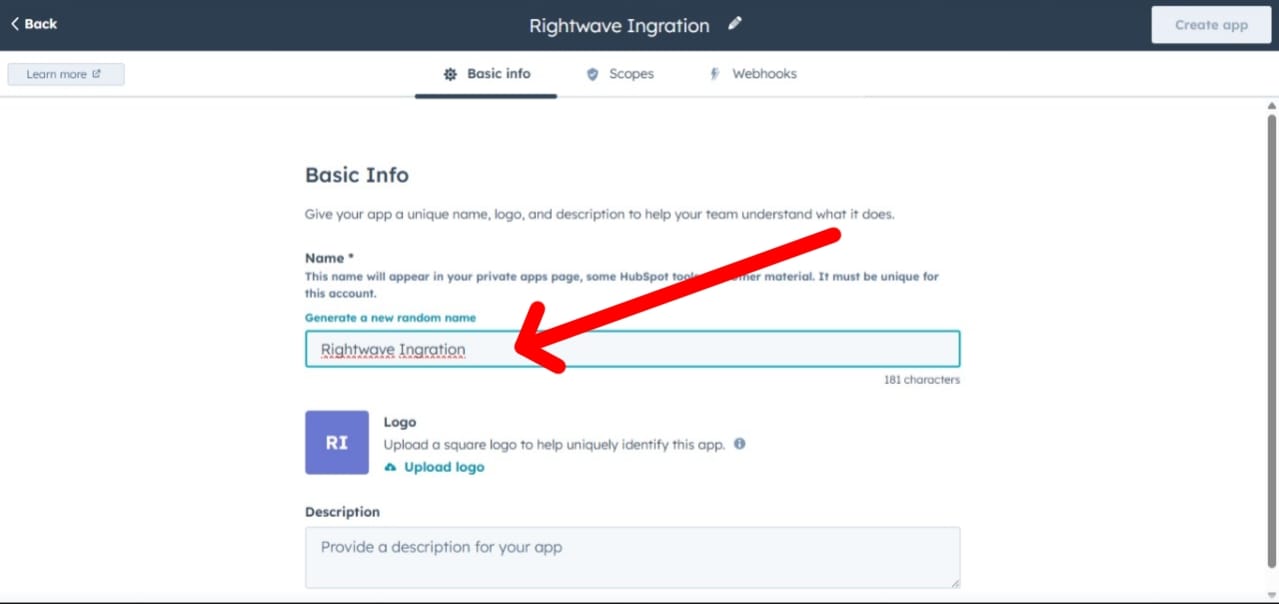
Enter:

  • App Name (example: RDN Integration)
  • Description (recommended)

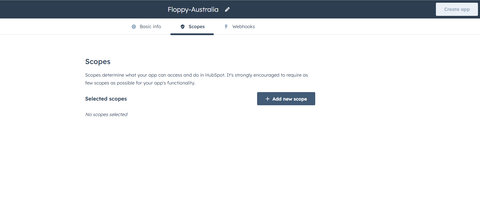
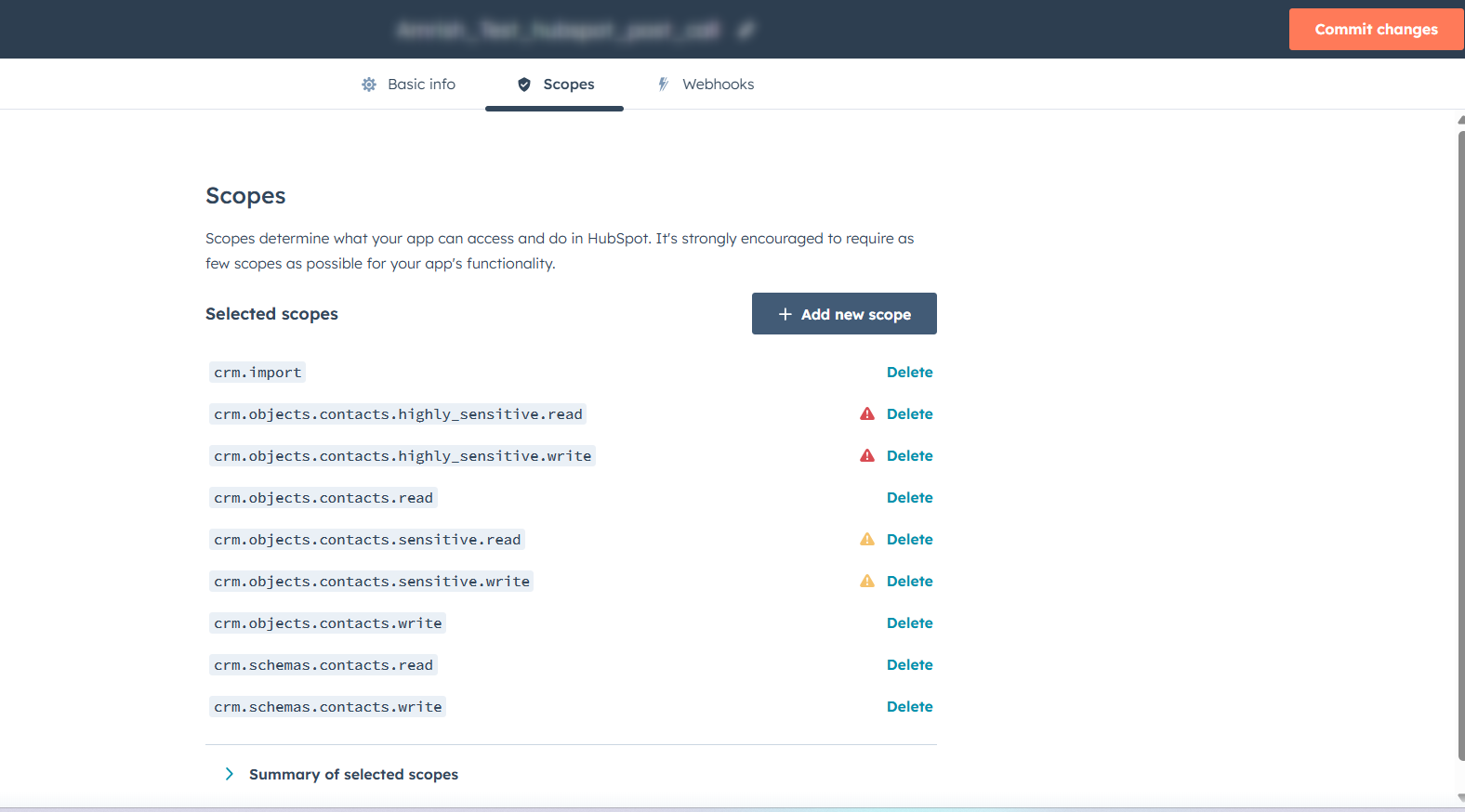
4. Required Scopes Configuration

Select only the scopes required for API-based sync.

4.1 Contact Scopes

  • crm.objects.contacts.read
  • crm.objects.contacts.write

4.2 Company Scopes

  • crm.objects.companies.read
  • crm.objects.companies.write

4.3 Association Scopes

  • cms.membership.access_groups.write

4.4 List Scopes

  • crm.lists.read
  • crm.lists.write

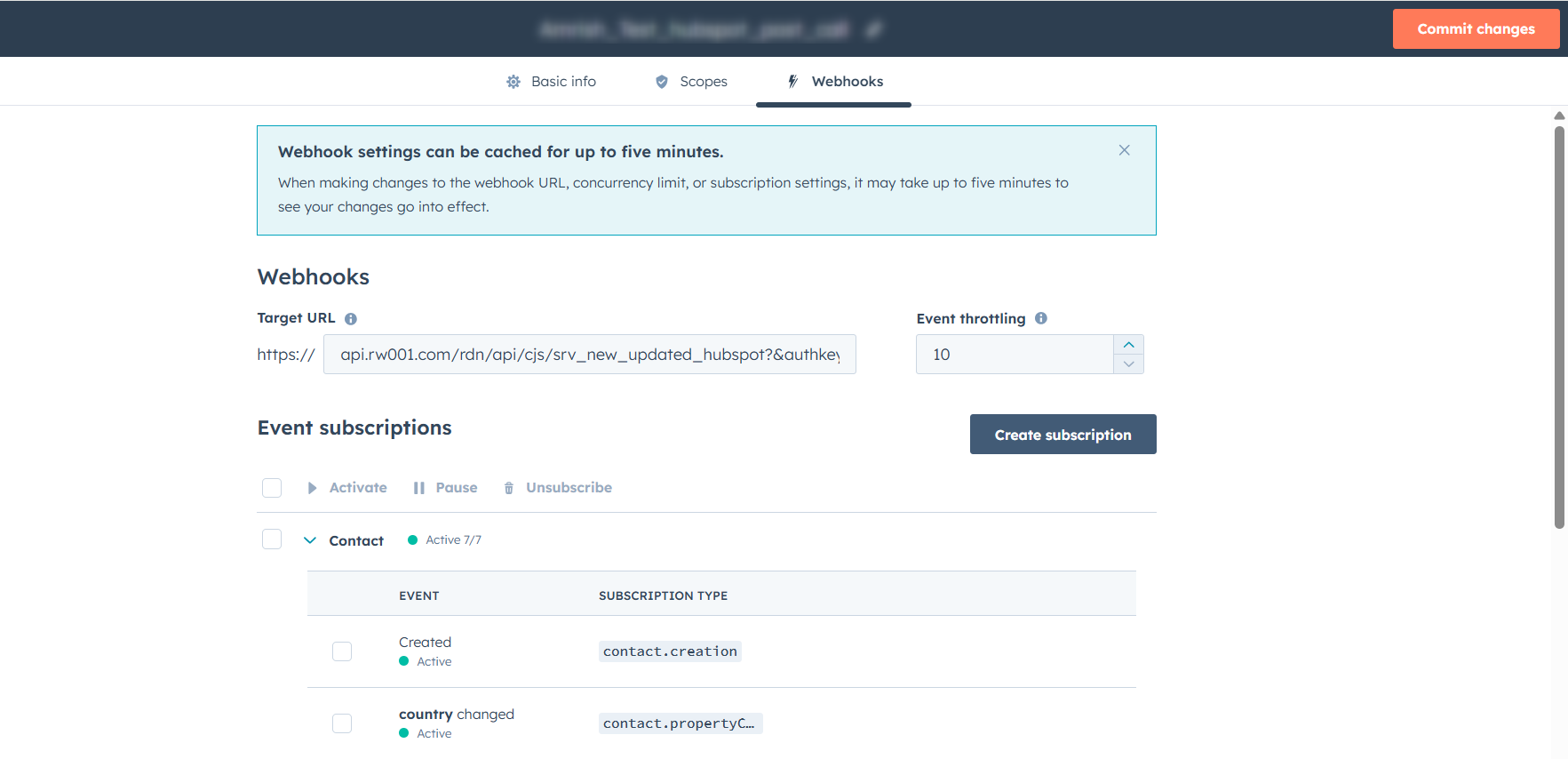
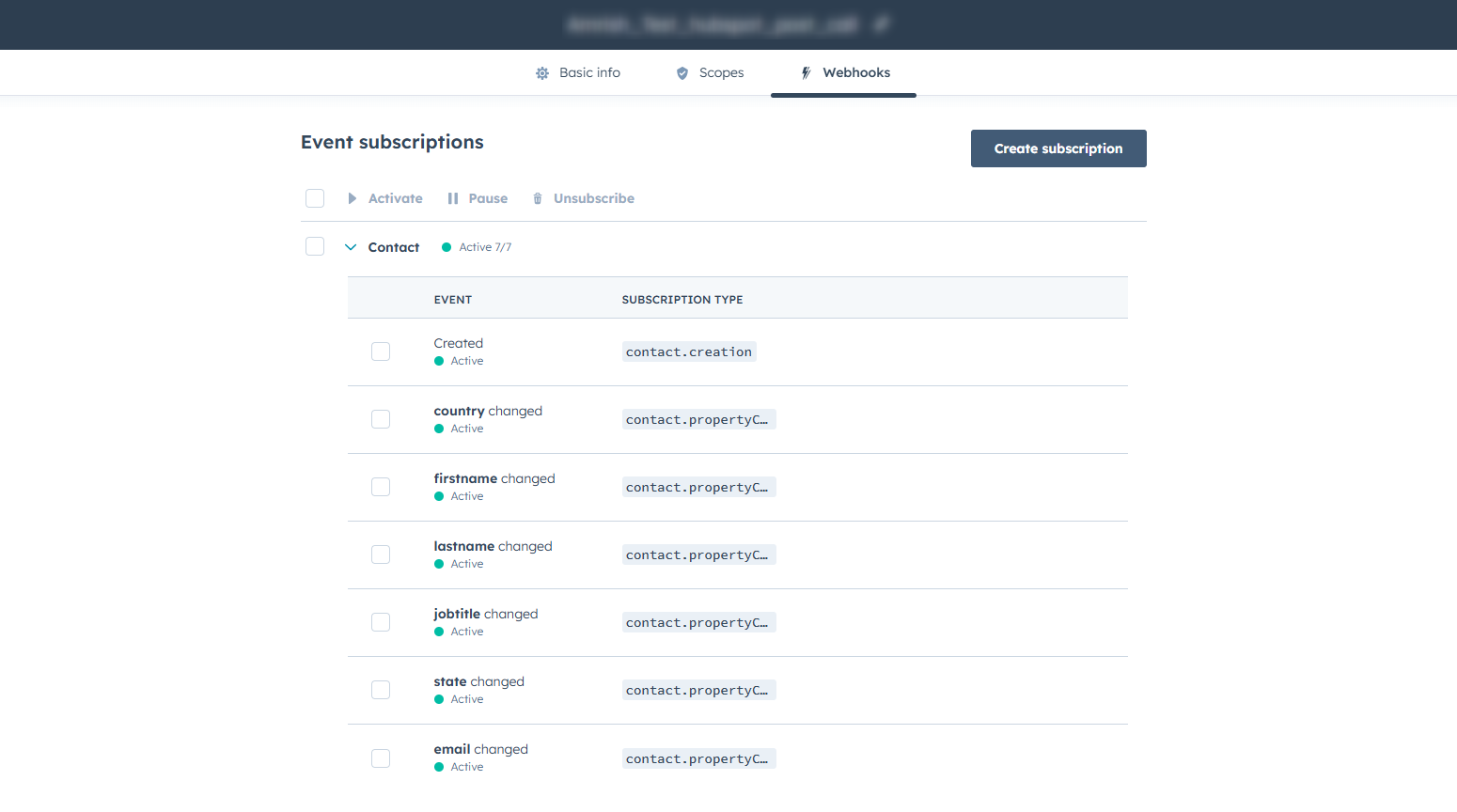
5. Go to the Webhook option

Enter the Target URL.

Example – https://api.rw001.com/rdn/api/cjs/srv_new_updated_hubspot?&authkey=xxxxxxxxxxxxxxxxxxxxx

6. Generating the Access Token

  1. Click Create App

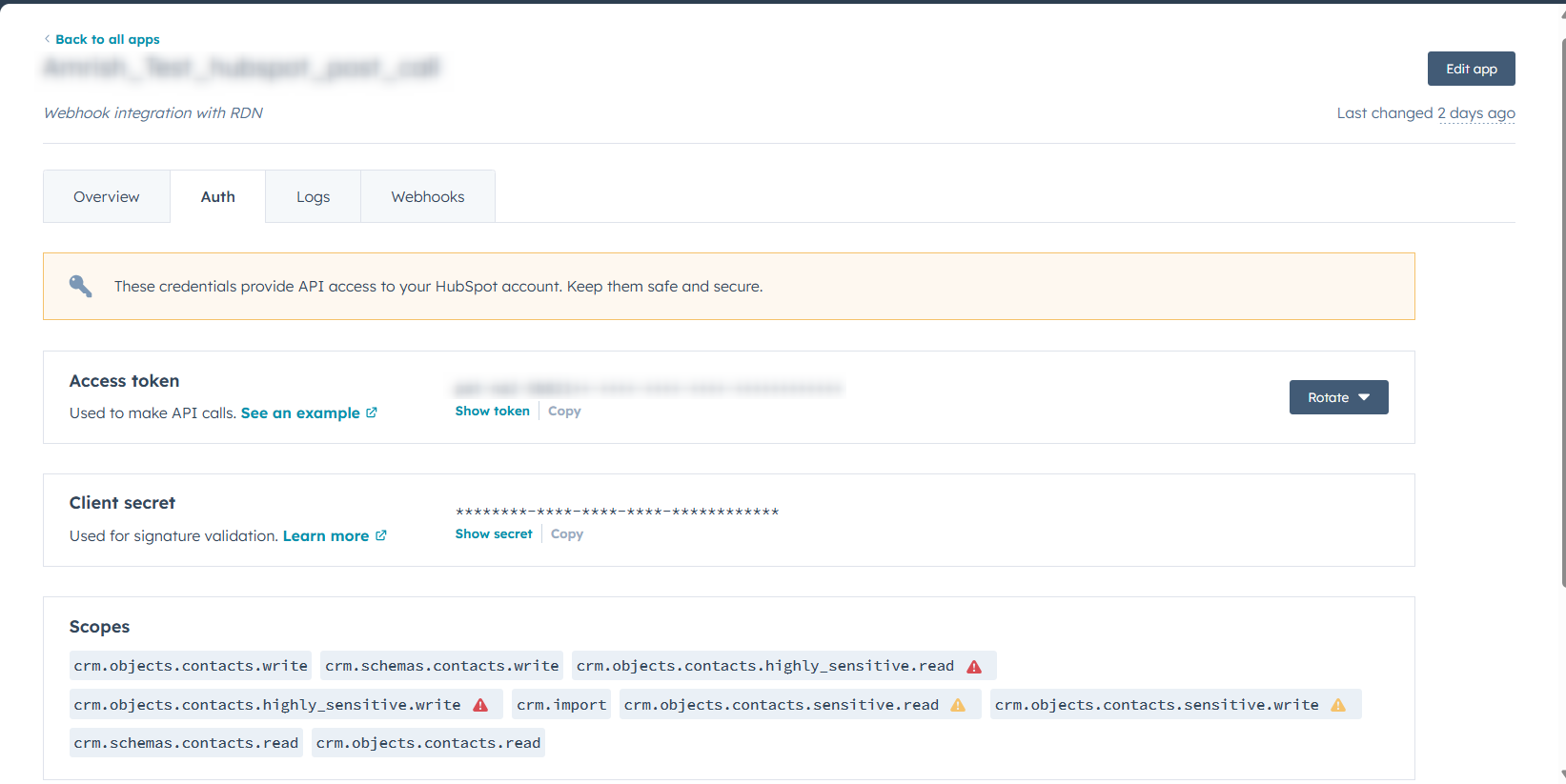
Open the Auth section of the Private App

  • Copy the Access Token

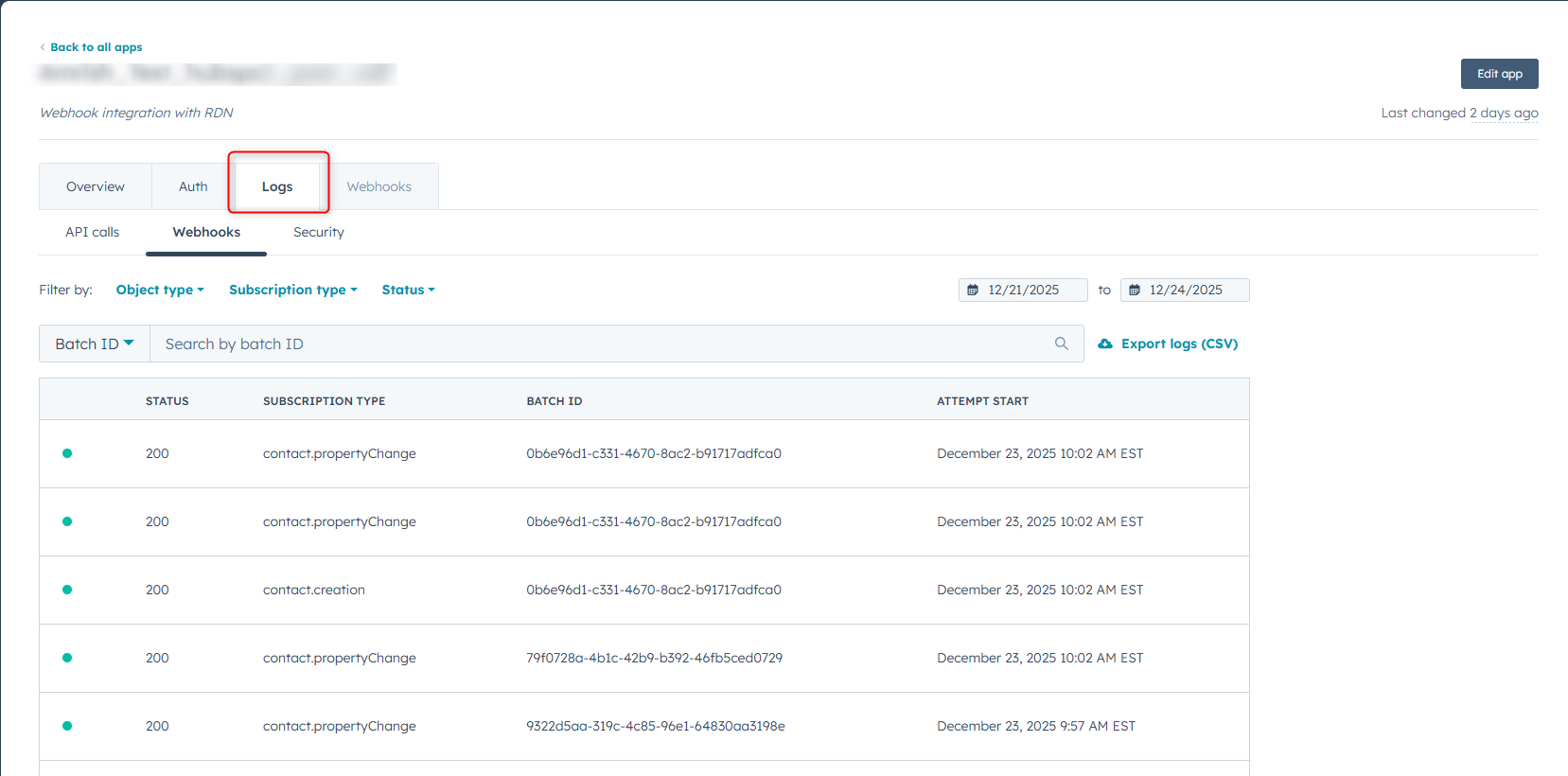
4. Review Logs

Security Reminder

  • The token is displayed only once
  • Store it securely
  • Regenerate if lost or compromised

7. Authenticating HubSpot in RDN

7.1 Authentication Method

  • Use the HubSpot Private App Access Token in the RDN service.
  • This token acts as the authentication key

7.2 Token Validity

  • The token remains valid until:
    • It is manually revoked
    • It is regenerated in HubSpot

7.3 Credential Validation

  • RDN validates the token using HubSpot APIs
  • Successful validation enables data sync features

8. Summary

This integration is optimized for standard HubSpot plans without:

  • Operations Hub Professional or Enterprise

RDN ensures reliable and secure data exchange using API-based polling making it suitable for customers on basic HubSpot subscriptions.